
Why WPS Office Is Popular for Desktop Users
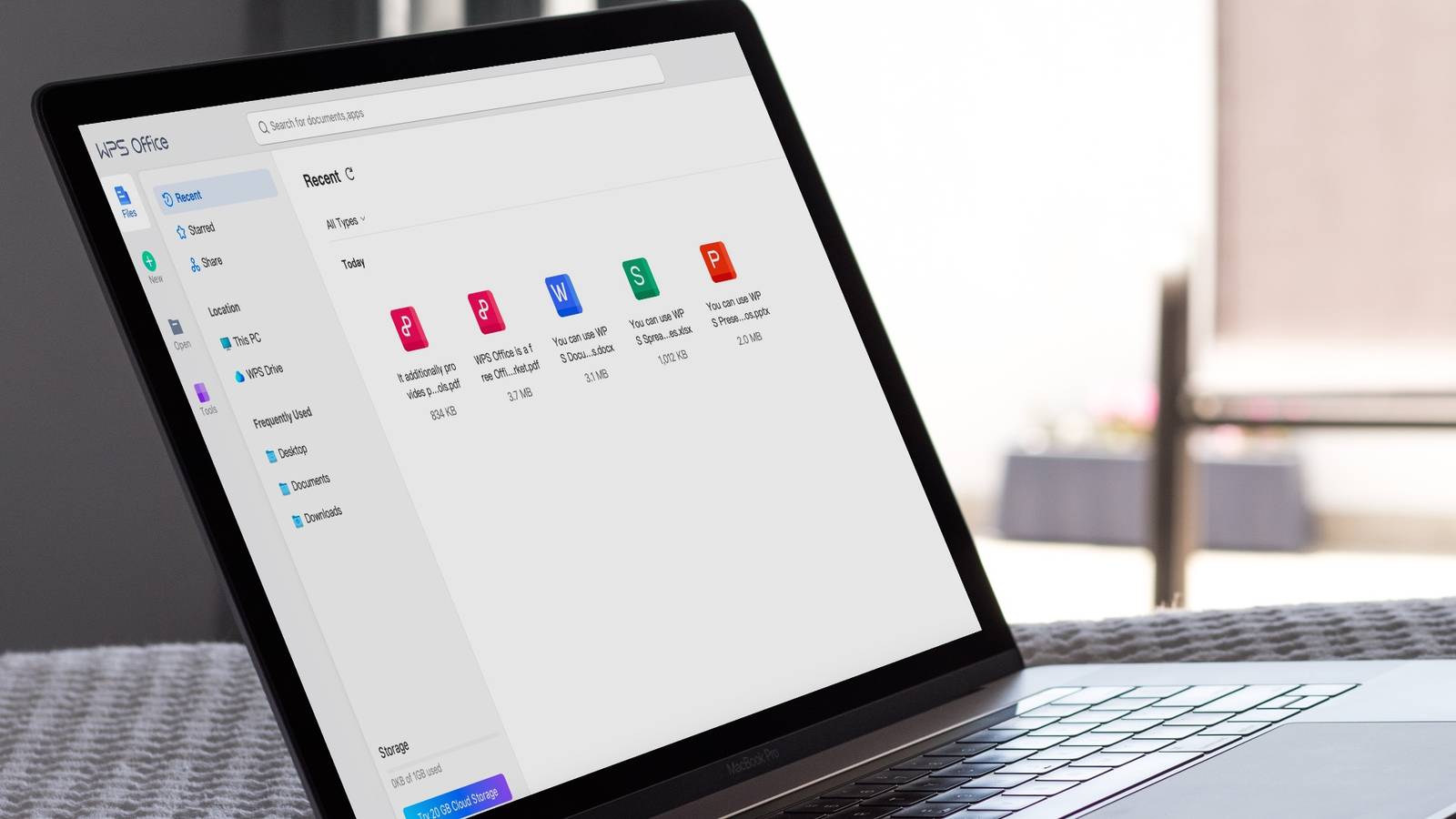
If you have been looking for a reliable office suite that does not break the bank, WPS Office is probably already on your radar. Over the past few years, it has grown into one of the most downloaded productivity tools for desktop users worldwide. But what exactly makes it stand out in a market already crowded with options? Let us break it down in simple terms.
A Lightweight Office Suite That Gets the Job Done
One of the first things users notice about WPS Office is how light it feels. Unlike some heavier alternatives that slow your computer down, WPS Office installs quickly and launches fast. This makes it a great fit for older machines or systems with limited RAM. Whether you are writing a report, building a spreadsheet, or putting together a slide deck, the software keeps up without any frustrating delays.
The interface is clean and familiar. Anyone who has used a traditional office program before will feel right at home. There is no steep learning curve, which saves time for both beginners and experienced users.
Full Compatibility With Microsoft Office Formats
One of the biggest reasons desktop users stick with WPS Office is its strong compatibility with Microsoft Office file formats. You can open, edit, and save .docx, .xlsx, and .pptx files without any conversion issues. This is a huge deal for professionals who frequently share documents with colleagues or clients.
Formatting stays intact. Tables, fonts, images, and layouts all look the same after editing, which removes one of the most common headaches people deal with when switching between different office tools.
Built-In PDF Tools That Save You Extra Steps
WPS Office does not just handle documents and spreadsheets. It comes with built-in PDF management tools that many users find genuinely useful. You can convert Word files to PDF, merge multiple PDFs, and even edit PDF content directly inside the app.
For desktop users who deal with contracts, invoices, or official documents on a regular basis, this removes the need for a separate PDF tool. Everything you need sits in one place, which keeps your workflow simple and efficient.
Cloud Storage and Cross-Device Access
Modern work does not happen in one place. WPS Office understands this well. The software includes built-in cloud storage, so your files are automatically backed up and accessible from any device. Whether you are at your desk or switching to a laptop, your documents follow you.
This cloud integration also makes collaboration easier. You can share files with teammates, leave comments, and work on the same document without the confusion of emailing back-and-forth versions. It is a practical feature that adds real value for freelancers and small teams.
Free Version With Strong Core Features
Not every user wants to pay for an office suite right away. WPS Office offers a free version that covers most everyday needs. The free plan includes the Writer, Spreadsheet, and Presentation tools with no major restrictions on core functionality.
Users who want extra features like advanced PDF editing or ad-free use can upgrade to the premium version. But for a large number of desktop users, the free plan is more than enough for daily tasks. This generous approach is one reason the software has built such a large user base globally.
If you are curious to explore what the software looks like before downloading, you can check out theWPS Download to browse features, system requirements, and the latest updates directly from the official source.
Simple Download and Installation Process
Getting started with WPS Office takes very little effort. The installer is small, the setup wizard is straightforward, and the whole process takes only a few minutes. There are no complicated configurations or technical steps required.
For users who want to get the full desktop version quickly,WPS Official Website gives you direct access to the latest stable release for Windows. Once installed, the software is ready to use immediately with no additional plugins or manual setups needed.
Regular Updates and a Growing Feature Set
WPS Office is not a stagnant product. The development team rolls out regular updates that bring performance improvements, bug fixes, and new features. Recent versions have added better AI writing assistance, improved spell-check, and enhanced collaboration tools.
This commitment to ongoing development gives users confidence that the software will keep improving over time. It also means compatibility with newer file formats stays up to date, which matters a lot for professional use.
Conclusion
WPS Office has earned its popularity among desktop users for good reasons. It is fast, lightweight, and compatible with the file formats most people already use. The built-in PDF tools, cloud storage, and cross-device access make it a well-rounded choice for everyday productivity. Add a generous free version and a straightforward installation process, and it is easy to see why so many users around the world have made it their go-to office suite. Whether you are a student, a freelancer, or a working professional, WPS Office is worth giving a try.

